Beginners Guide for Design
writing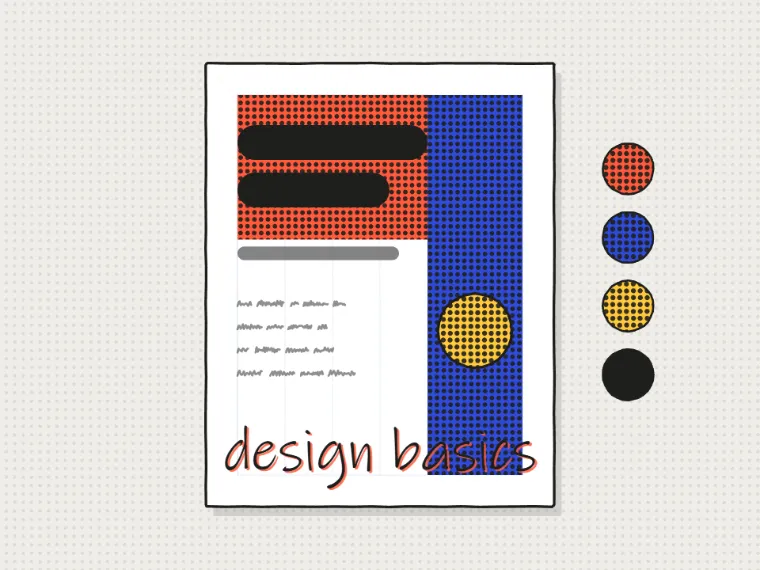
I came to design through programming, not the other way around. I was building projects and they looked terrible, which bothered me enough to start learning why. I picked up Photoshop first, then Illustrator, then eventually Figma once it became the clear industry standard. Along the way I built a VS Code theme (Tanoshi), designed logos and merch, and got comfortable enough with the tools to consider design a real part of my skill set rather than just something I muddle through. This is what I would tell myself at the start.
Make things that are different look different. Hierarchy comes from contrast in size, weight, and color.
Main heading
Subheading
Body text that supports the heading above it.
Learn Figma. Skip everything else for now.
When I started, the advice was to learn Photoshop or Illustrator. Both are still worth knowing, but Figma is now where almost all UI and product design work happens. It is free, browser-based, great for collaboration, and has a community of plugins that extend it endlessly. If you are building things for screens, start with Figma. Photoshop is useful for photo editing and image manipulation. Illustrator is useful for vector illustration and logo work. You can come back to those when you have a specific need.
Study before you copy
The fastest way to develop taste is to look at a lot of good work and understand why it works. Not just passively scrolling Dribbble, but actually asking: what makes this feel clean? Why do the sections feel well-separated? What is the visual hierarchy? Sites like Mobbin and Awwwards are useful references. For UI patterns specifically, Mobbin captures real interfaces from real apps, which is more useful than design awards that often prioritize visual novelty over usability.
The four principles that cover most problems
Robin Williams wrote a book called The Non-Designer's Design Book that covers four principles: contrast, repetition, alignment, and proximity. These four things explain a huge proportion of why designs look good or bad. The interactive demo above shows them. When a layout feels off and you cannot explain why, going through those four principles one at a time almost always surfaces the problem.
Contrast is the one that helps most in the beginning. If something is meant to be important, make it look important: bigger, bolder, or more saturated than the things around it. If two things have the same visual weight, the reader does not know which one to look at first. Hierarchy comes from contrast.
Typography is half the work
Most beginners focus on colors and ignore type. This is backwards. Typography does more to determine whether a design feels professional or amateurish than any other single element. Using a system font like Inter or a well-chosen Google Font, setting a consistent type scale (e.g. 12 / 14 / 16 / 20 / 28px), and getting line height right (1.5 to 1.6 for body text) will make almost any design look significantly better immediately.
For my projects, I use Geist for most things and Inter as a fallback. Both are clean, legible, and free. Avoid decorative fonts for body text. Save them for headlines if you use them at all.
Build something real as fast as possible
The Tanoshi VS Code theme was one of the projects that taught me the most about design. It forced me to think carefully about every color choice because the stakes were real. People were actually installing it and using it to code. Designing for a specific use case with real constraints is more educational than any amount of practice projects with fake briefs.
Take on a real project as early as possible. Redesign an app you use. Build a visual for a project you are already working on. Design a logo for something that matters to you. The feedback loop from making something real is faster and more useful than tutorials, because the question is never just what looks good abstractly but what works for this specific thing.